PinkcareNext.js e-commerce template for skincare and beauty stores
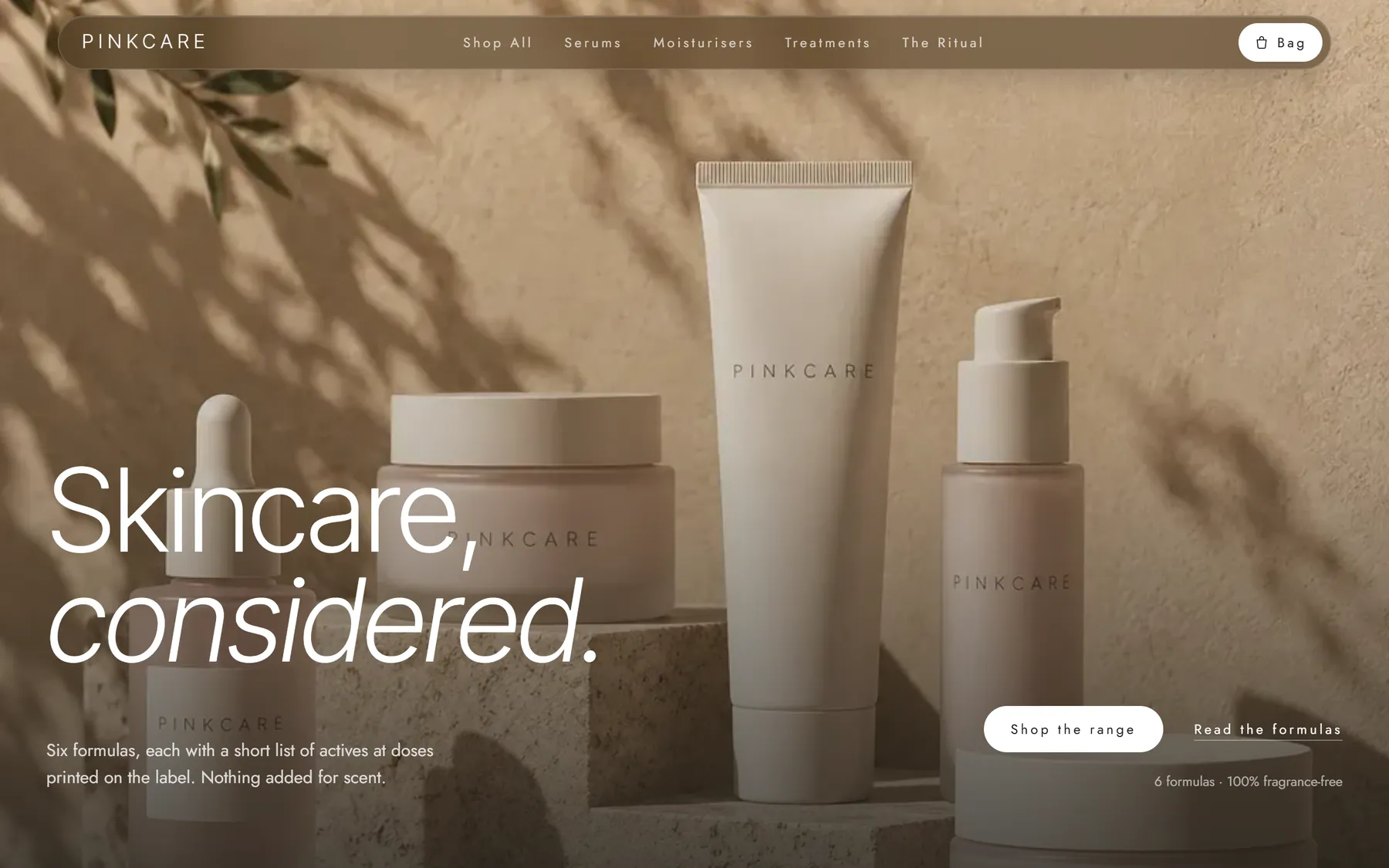
A store that looks like your brand, not like a theme. The storefront, admin panel, Stripe checkout and database already work together; you bring the products, the photos and the colours.
Next.js 15
App Router, React 19, TypeScript
Admin panel
Products, orders, brand and SEO
Stripe checkout
Payment Element and webhooks
PostgreSQL
Prisma, with demo data seed
Storefront
What your customers see.
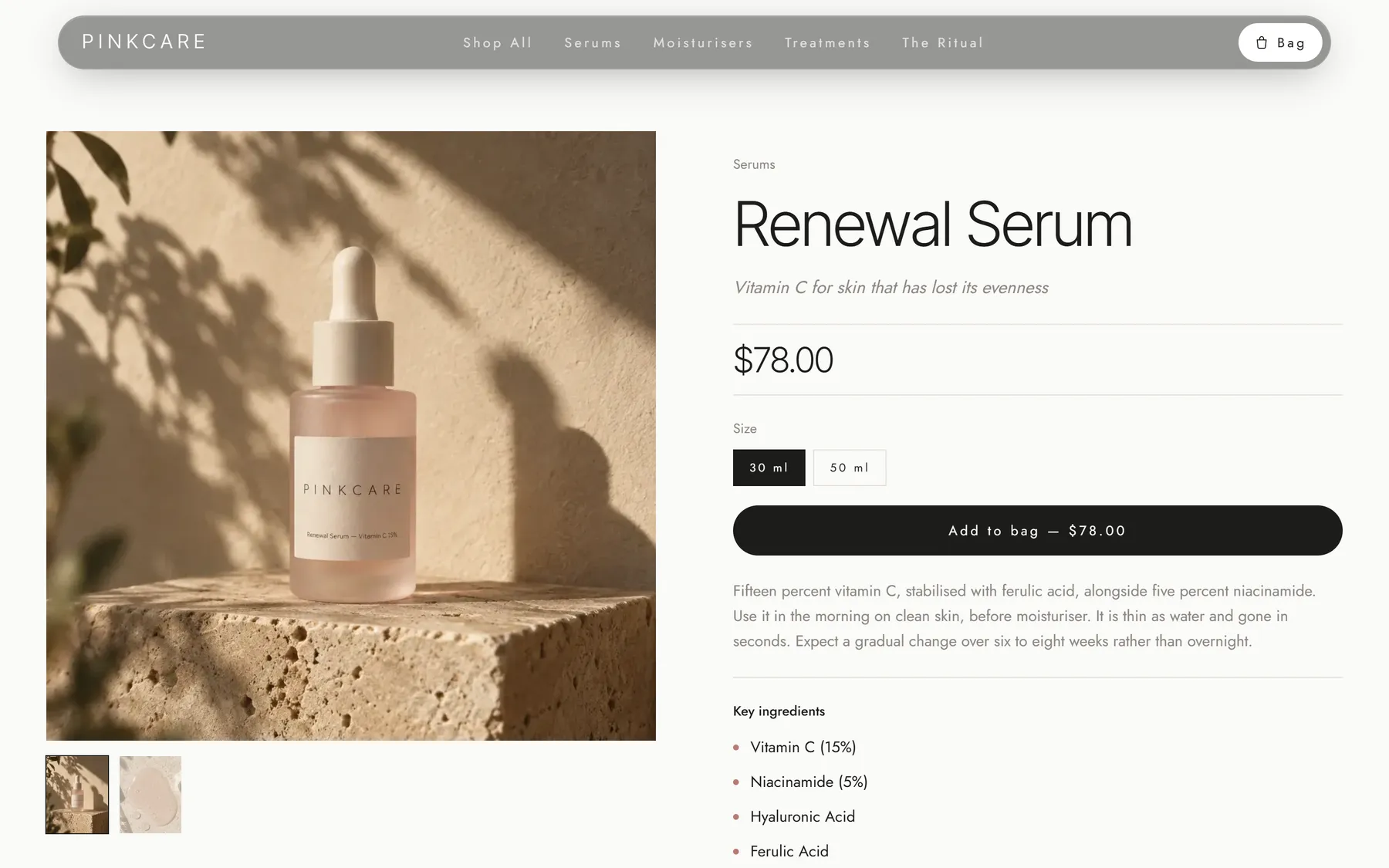
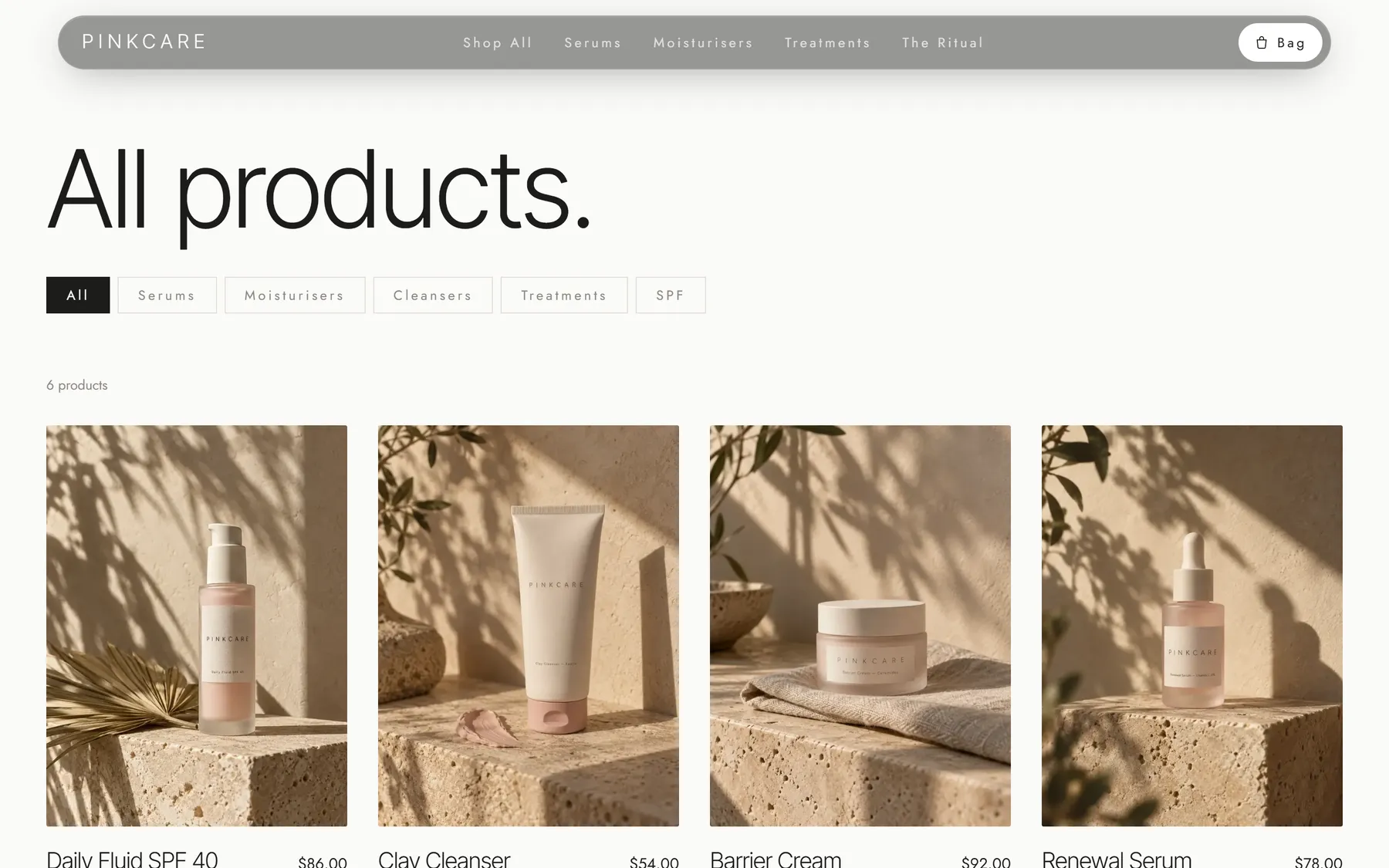
- Home, catalog with category filters, product pages with size variants
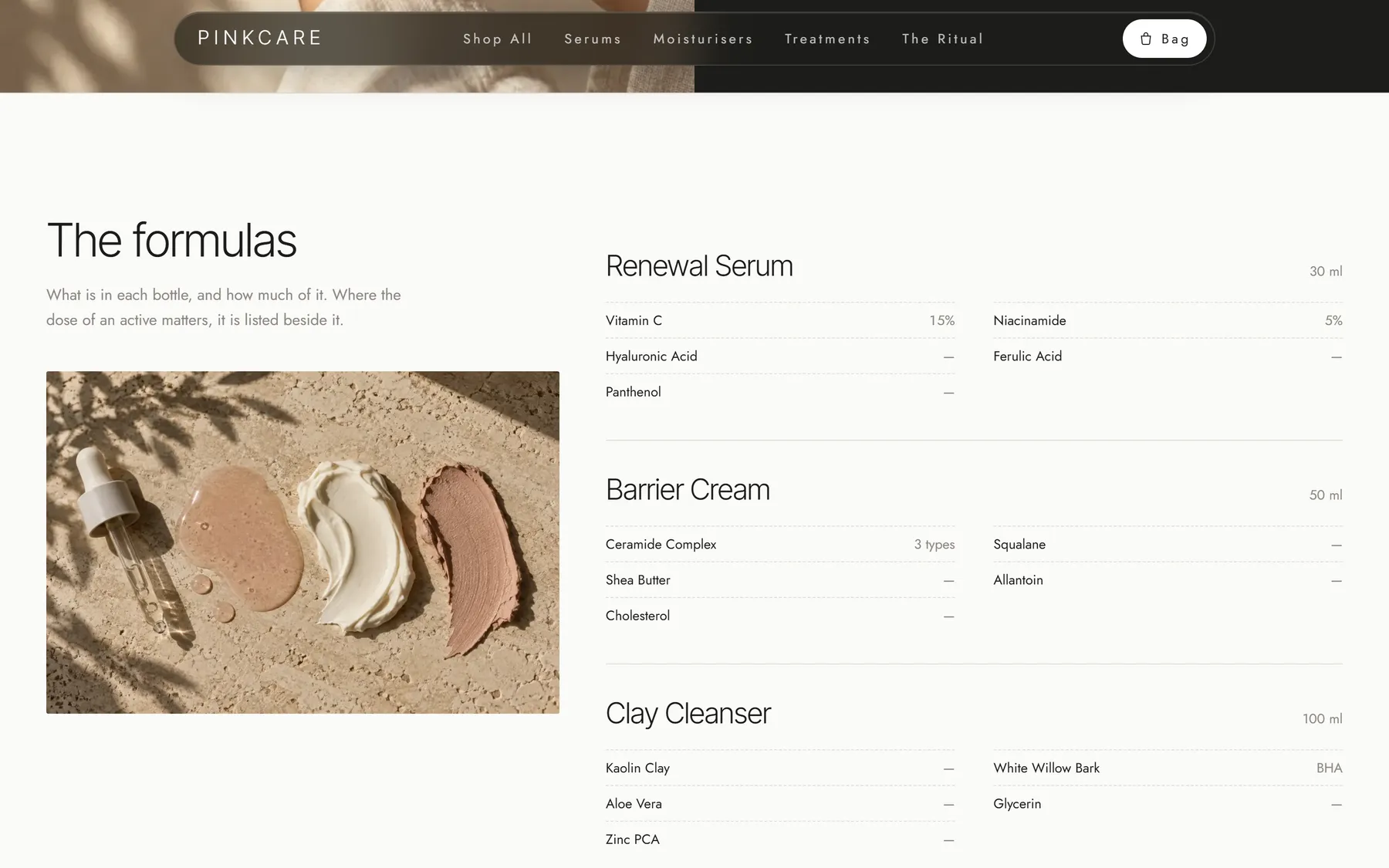
- Formula index: every product listed with its actives and doses
- Cart drawer and Stripe checkout, with order confirmation via webhook
- About, contact form, FAQ, shipping, returns, privacy and terms pages
- Newsletter sign-up stored in the database
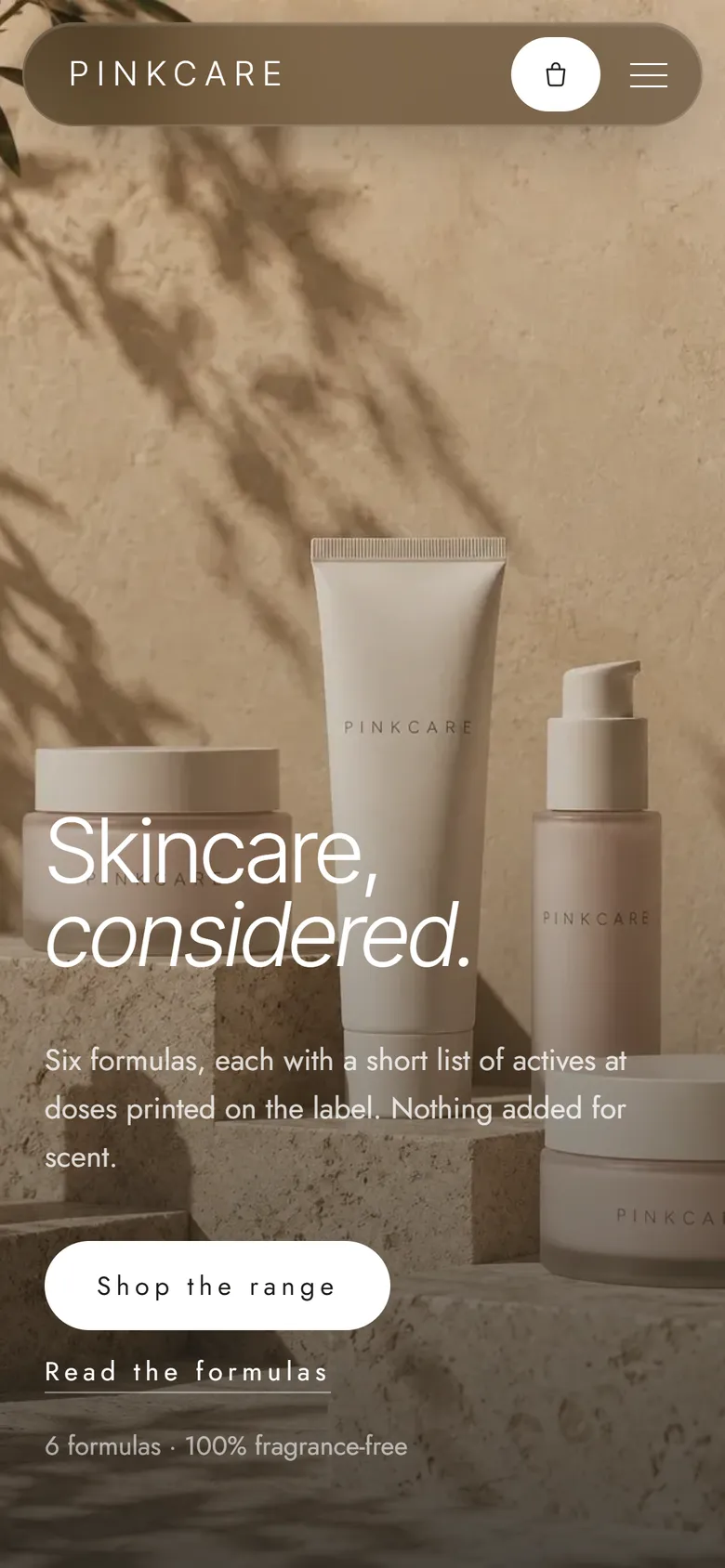
- Responsive layouts for phone, tablet and desktop, with a touch-friendly cart
Admin panel
What you run day to day, without touching code.
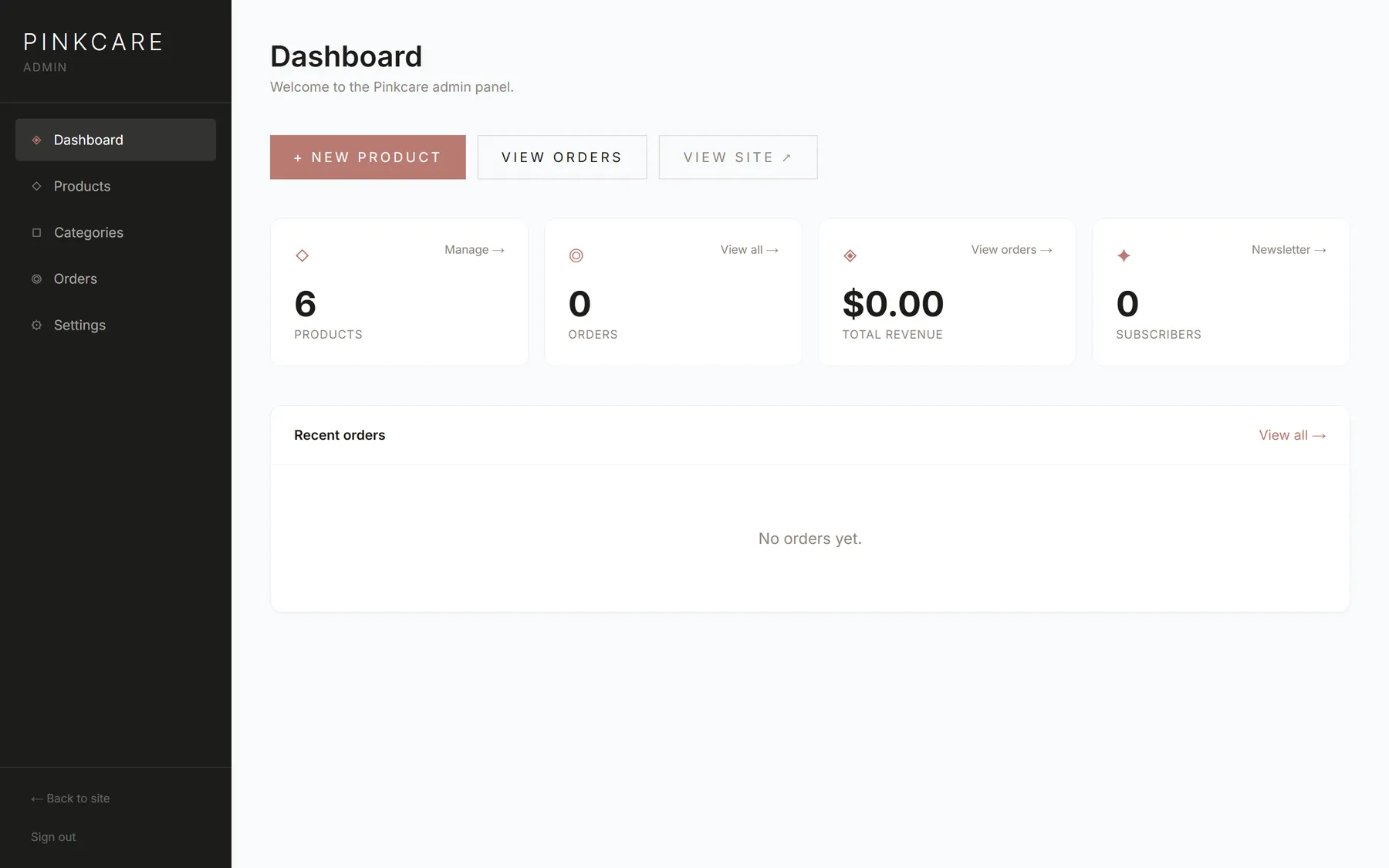
- Dashboard with revenue, orders and subscribers
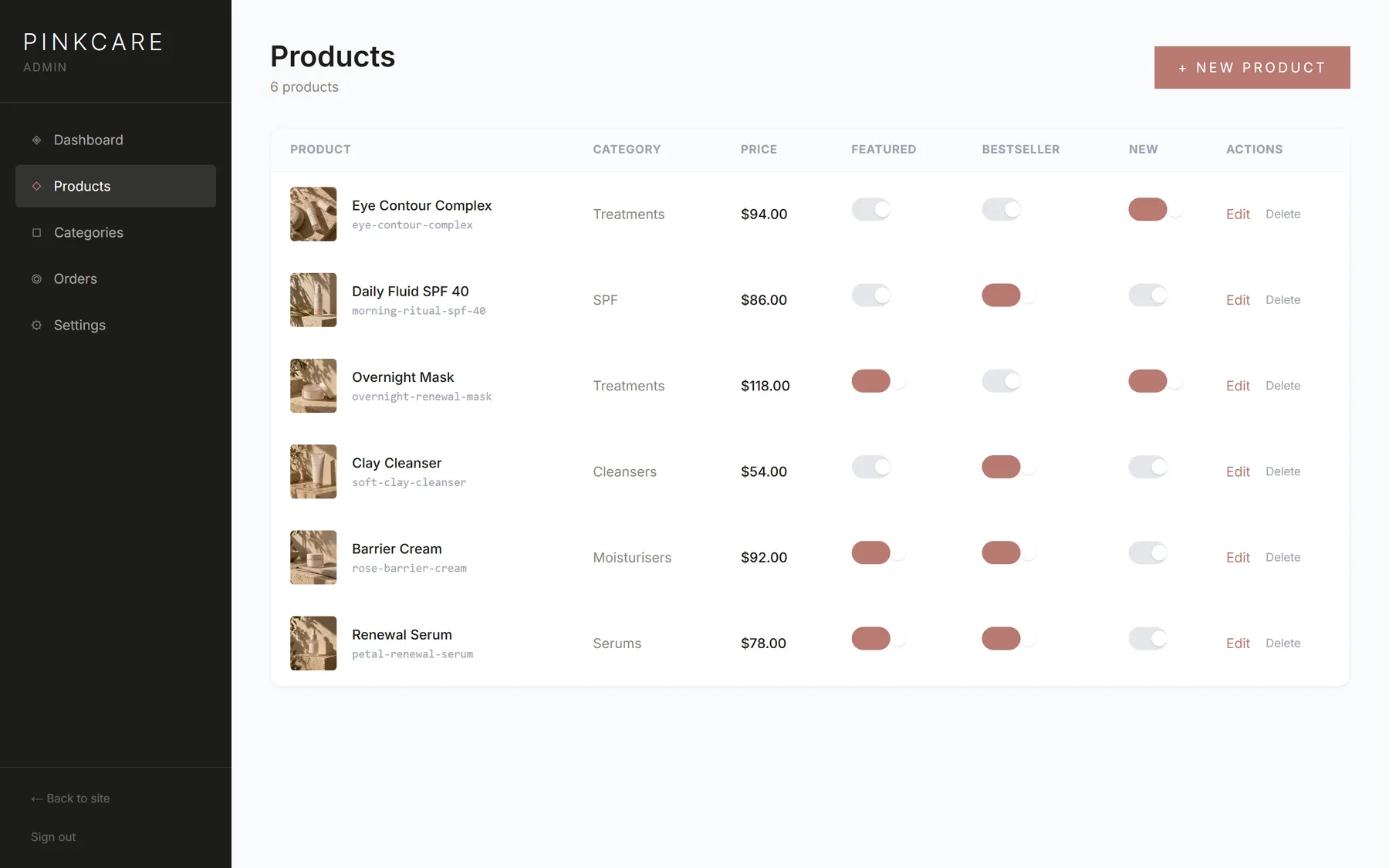
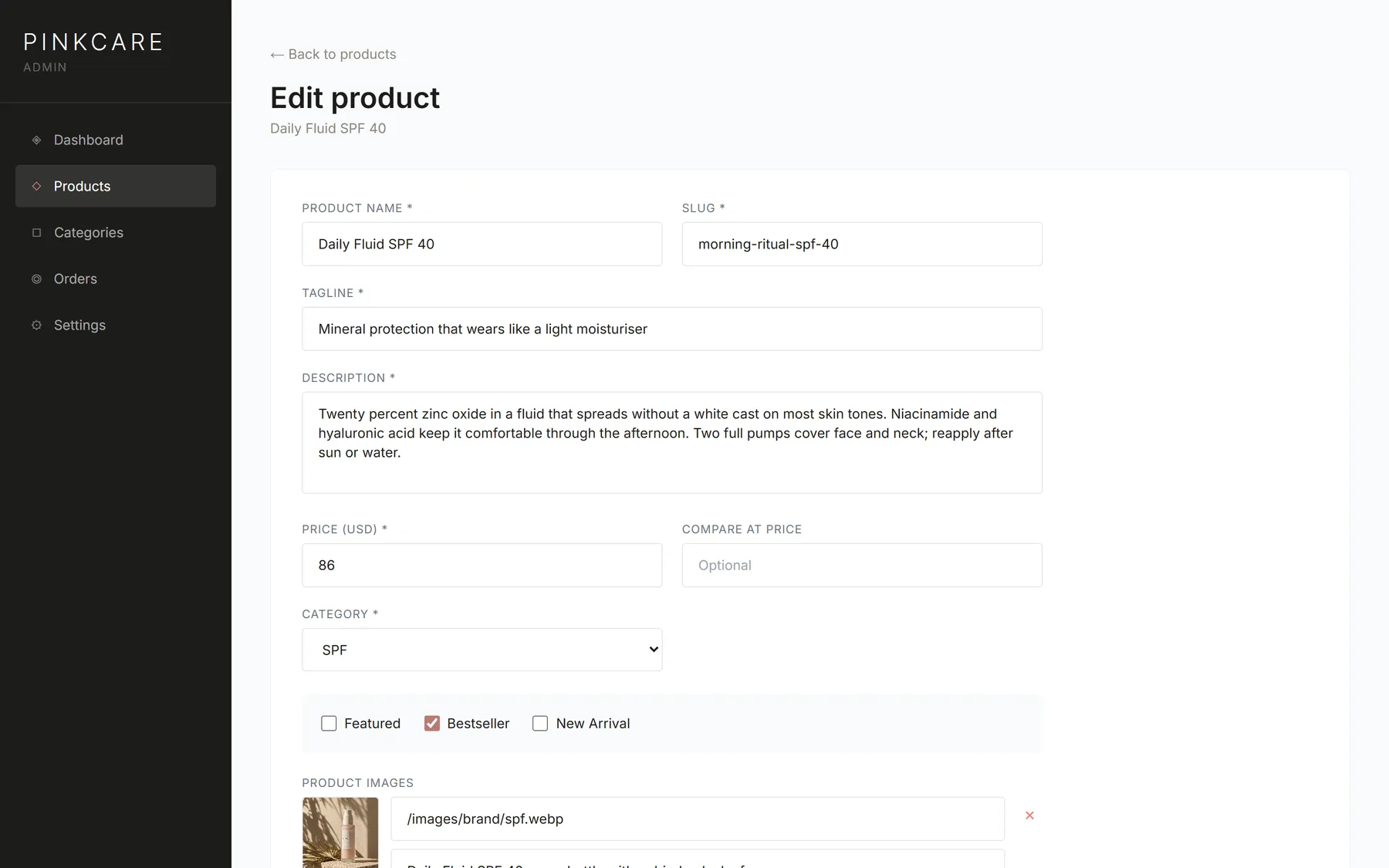
- Products: create, edit, images, variants with stock, flags
- Categories and order status management
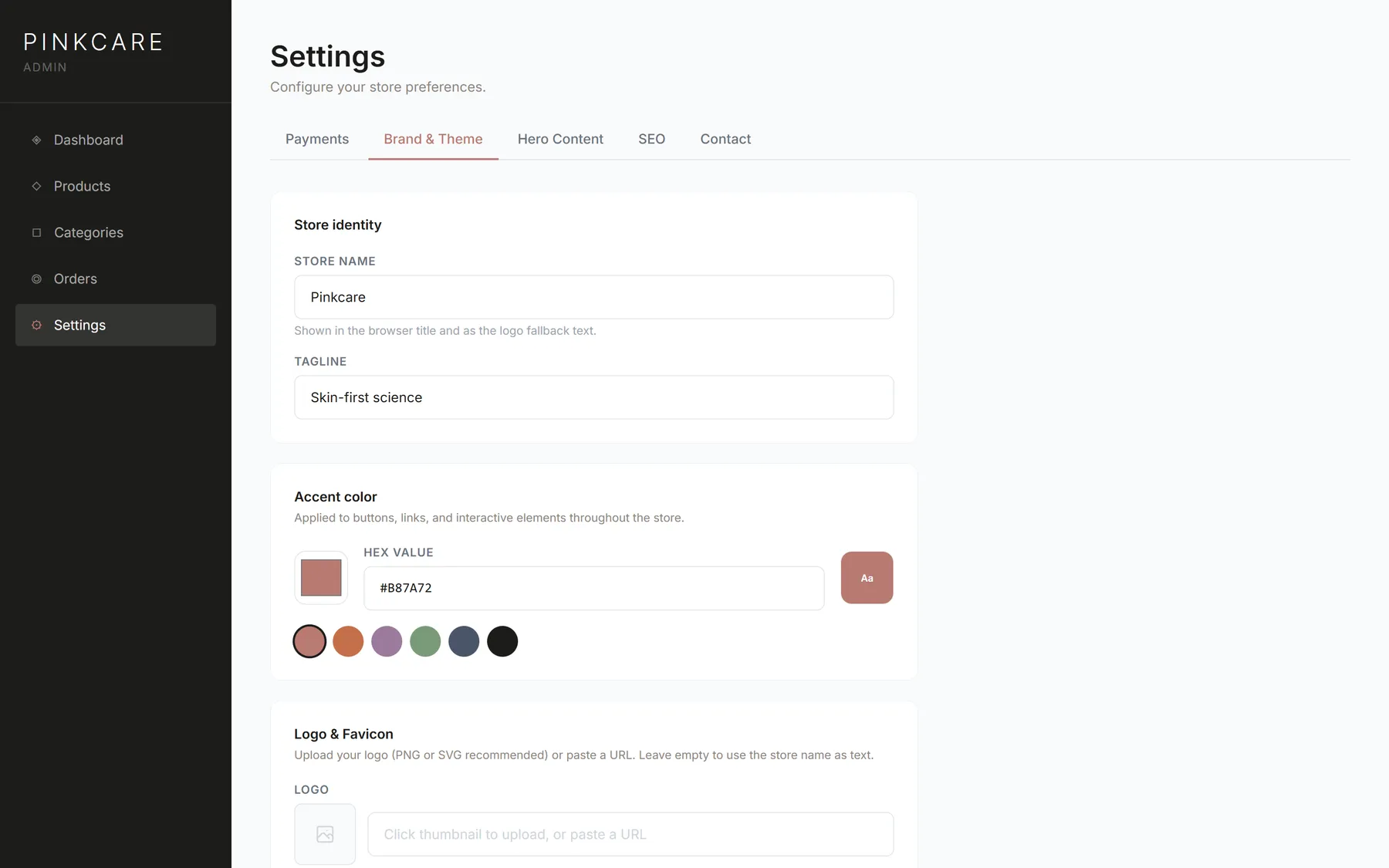
- Brand: store name, logo, favicon and accent colour
- Homepage hero text, SEO and social sharing image
- Stripe keys and WhatsApp or chat widget, set from the panel
Every screen, as it ships
Who it is for
Independent beauty brands launching their first store, or moving off a platform that makes every shop look the same.
Developers and studios who build stores for clients and want to start from a finished, working codebase instead of an empty folder.
Why own the code
Hosted store builders charge every month, then again for each app you add, and still decide what you can change.
With Pinkcare you pay once. After that it is Stripe's processing fee and your hosting, and every page, field and step of checkout is yours to change.
Stack
- Framework
- Next.js 15, App Router, React 19
- Language
- TypeScript
- Styling
- Tailwind CSS, Framer Motion
- Database
- PostgreSQL with Prisma (Neon, Supabase or any Postgres)
- Payments
- Stripe Payment Element and webhooks
- Uploads
- Vercel Blob in production, local disk in development
- Hosting
- Vercel, or any Node.js host
Running in four steps
From unzipping the download to a working store on your machine.
1Install
npm install
2Configure
cp .env.example .env # database URL and admin password
3Create the tables and demo data
npm run db:push && npm run db:seed
4Run it
npm run dev # open localhost:3000 and /admin
The included guide covers the rest: a free Postgres database, Stripe keys and webhook, image uploads and deploying to Vercel.
Pick a license
Same code in both. The difference is how many stores you can build with it.
Personal
$49
For one store you own.
- ✓One website or store
- ✓Commercial use of that store
- ✓Full source code and setup guide
Commercial
$129
For freelancers and studios building for clients.
- ✓Unlimited websites and stores
- ✓Use in paid client projects
- ✓Full source code and setup guide
One-time payment in USD. Taxes are calculated at checkout.
Questions
Do I need to know how to code?+
You need to be comfortable running a few terminal commands and pasting environment variables. The guide walks through each step, from creating a free database to deploying on Vercel. Changing text, products, colours and the logo is done in the admin panel, without code.
What exactly do I receive?+
A zip with the complete source code, the step-by-step setup guide, the demo product data and images, and the license. The download link arrives by email right after payment.
Can I use it for a client?+
Yes, with the Commercial license. The Personal license covers one store that you own.
Can I resell it?+
No. You can sell products through stores built with it, but not the template itself or a modified version of it as a template, theme or starter kit.
Is it only for skincare?+
The demo is a skincare brand, but the store suits any catalogue of physical products with sizes or variants, such as cosmetics, candles, home goods or apparel basics. Categories, copy and colours are all editable.
What about the product photos?+
They are included so the demo looks finished. Replace them with your own photography before launching a real store.
Custom work
Need a store built around your brand instead?
I design and build online stores, landing pages and dashboards for brands in the USA, Europe and Brazil, from the first sketch to launch.